



Platform migration
Move off WordPress, Joomla or Drupal — and stop paying for the parts you don't use.
Keep the content and editing access, preserve important addresses, and move to an architecture sized for what the site actually does.
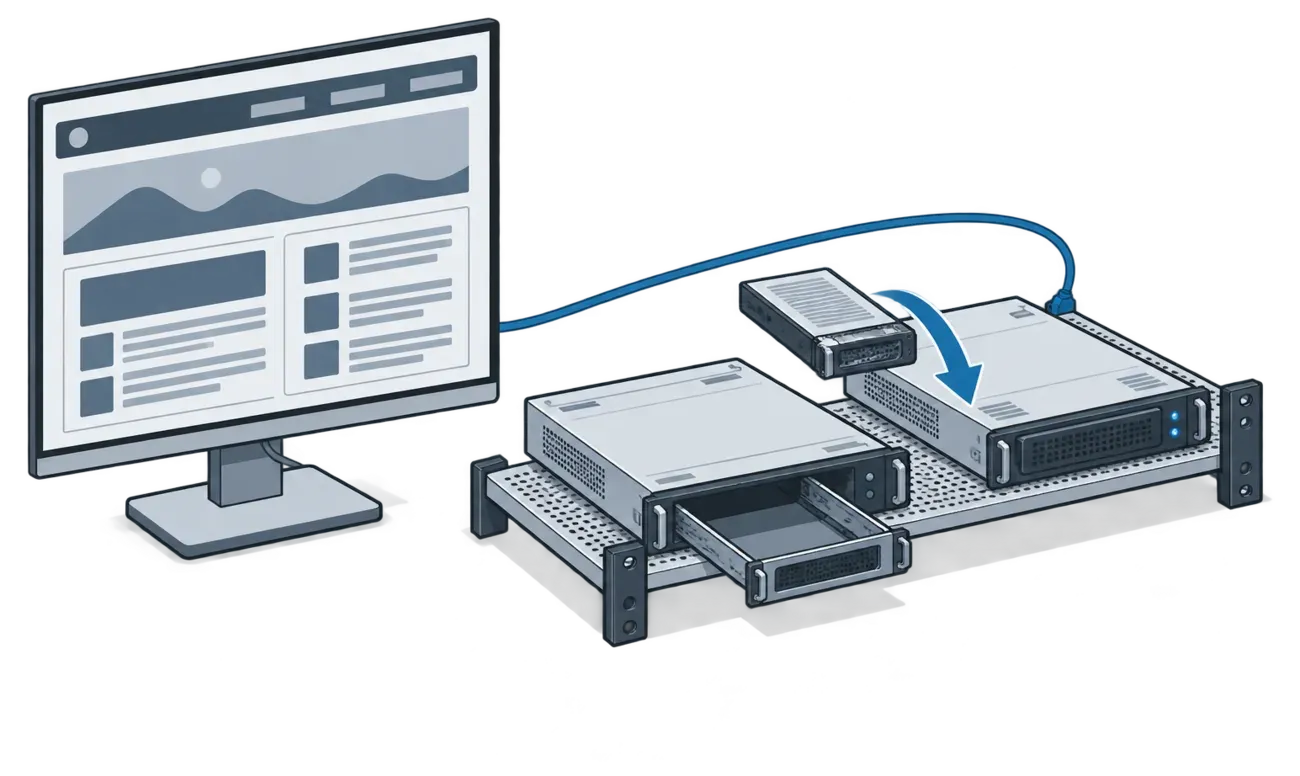
You probably recognise some of this
Your hosting bill went up again. Something breaks after every update. You're paying for four plugin licences and you can't remember what two of them do. The site takes six seconds on a phone. Your developer left in 2019 and nobody knows how it's wired.
None of that is unusual and none of it is your fault. It is what happens when a site is built on a platform that assumes constant maintenance, and then you stop having someone to do the maintaining.
What you're moving from
The platforms we work with most often, plus older or custom systems that need a direct inspection.
WordPress
We inventory posts, pages, taxonomies, media, users, plugin-owned data and the URL patterns the site currently answers.
Joomla
Where extensions or documentation no longer explain the site, we inspect the database and media tree and map them onto an explicit content model.
Drupal
Older Drupal sites often need a content-model migration rather than a theme replacement. We compare that work with staying on a supported Drupal version before recommending a direction.
Something else
Wix, Squarespace, custom PHP and static HTML each expose content differently. An inventory establishes what can be exported, rebuilt or retained before a quote is prepared.
How a migration actually goes
Four steps. You see the output of each one before the next begins.
- 01
Inventory and export
Reachable pages, known historical addresses, assets, forms and structured data. You get the inventory before anything is built.
- 02
Content model in git
Content becomes structured files with defined fields and validation, making future changes easier to inspect and migrate.
- 03
Rebuild the front end
Astro for a content site, or PHP where the project contains application logic. Editors get a browser interface over the structured content.
- 04
Redirect map, launch, watch
The redirect map is derived from the inventory and tested before launch. Afterwards, logs reveal addresses that were not present in the available sources.
| Area | CMS runtime | Static publishing architecture |
|---|---|---|
| Public delivery | Application code produces pages on request | A build produces files before a visitor requests them |
| Editing | Usually inside the public CMS | In a separate editor connected to structured content |
| Updates | CMS core, extensions and runtime remain operational concerns | Build dependencies and separate dynamic services remain operational concerns |
| Recovery | Database, media and configuration backups | Repository, assets, configuration and deployment backups |
| Handover | Depends on access to the CMS and its extensions | Repository, content, accounts and build instructions transfer together |
The redirect map is a core deliverable
Search results, bookmarks and links from other sites depend on addresses accumulated over years. Launch-period disruption can be corrected, but it cannot be retroactively undone, so the redirect map is prepared and tested before launch.
The navigation and current sitemap are only two sources. Historical URL patterns, archived copies, access logs and old CMS data can reveal addresses that are no longer linked from the visible site.
Built before launch
From the available URL sources, not only the current menu.
Tested as data
Each mapped address has an expected destination that can be checked against staging.
Maintained after launch
Logs are reviewed for missed addresses and valuable redirects are kept in place.
Questions we get every time
Will my URLs change?
Some can stay exactly as they are; others may need explicit redirects. The inventory records the important current and historical addresses and assigns each one a destination before launch.
Will I lose my editor?
No. You get a browser editor with fields for the content the site actually contains — headings, images, links and page sections — plus a preview.
What about my contact forms?
Forms are inventoried with the rest of the site. On a static build they submit to a small endpoint rather than the CMS; notification, validation and spam controls are tested before launch.
I have a shop. Can you move that?
Sometimes. A catalogue with a checkout can move; subscriptions, complex tax rules or deep integrations may make improving the existing shop the safer option. That decision belongs in the audit.
My site is multilingual.
That is supported. The inventory takes longer because each language and its URL relationships need to be accounted for, and stale translations often need an editorial decision.
How long does it take?
A small content site commonly takes several weeks. The useful estimate comes after the inventory because distinct page types, languages and integrations matter more than the raw page count.
What does it cost?
The audit is a fixed fee and produces a written plan and build price. You decide whether to proceed after reading it.
Can I go back?
The old site remains available until launch and you retain its export. You also own the new repository, content and accounts.
Send us your URL.
Tell us what you're running and what it costs you each month. We'll tell you whether a migration audit is the useful next step.